Pulseri

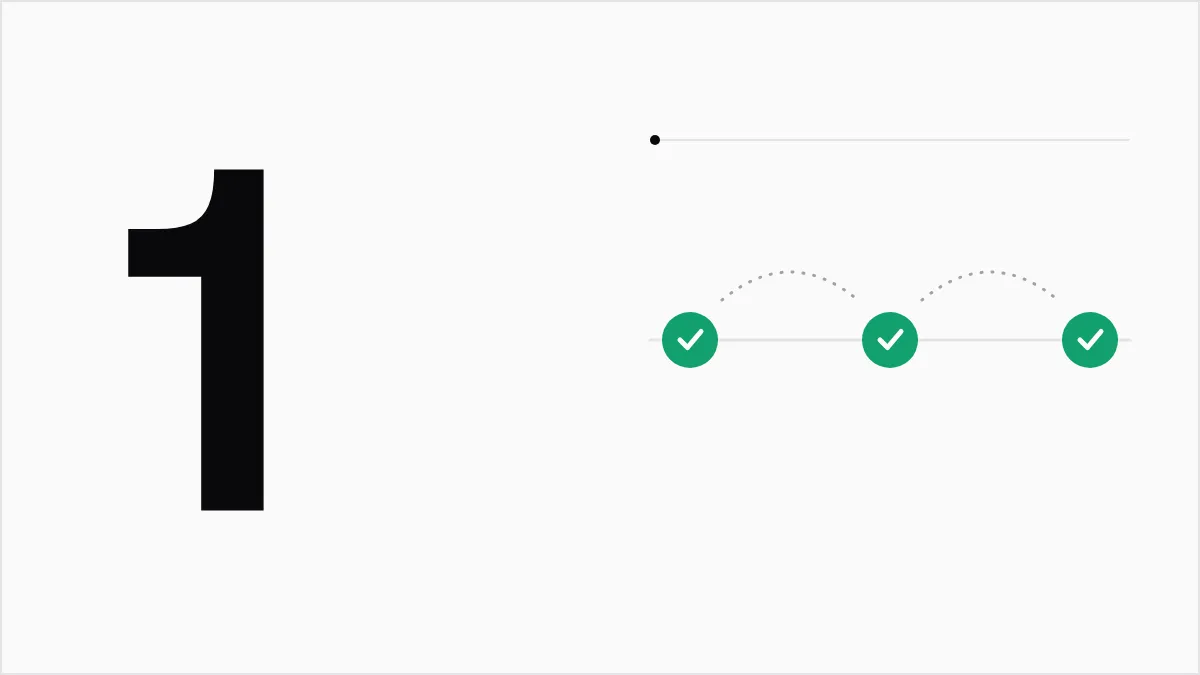
Ask one short question, of the person who just had the experience, soon after it happens. Then leave a long gap before you ask again.
Why people stop answering
People stop answering when you ask at a bad time, ask something that does not fit them, or ask again and again. This is called survey fatigue. One guide lists its signs as low response rates, many unfinished surveys, and rushed or inconsistent answers. 2
Fatigue also hurts your data. If only people who do not mind a crowded inbox reply, your results describe them and nobody else.
Priya runs a small invoicing app. She emails every customer a long survey on the first of each month. By the third month, half of the replies say "fine" and a few say "stop emailing me". She has more surveys and less to learn.
Ask the right person
Before you send anything, ask who can answer this question well. Someone who has never used your reports cannot say whether the reports are good.
- Match the question to the experience. Ask about support only after someone contacted support.
- Skip people you asked recently. If someone answered last month, they have already told you what they think.
- Keep audiences apart. Customers and your own team need different questions and different invitations.
Ask at the right moment
Ask soon after the thing you want to learn about, while the person still remembers it. One source on NPS timing suggests asking within a day for quick events, and around day 7 to 14 for the first stretch with a new SaaS product. 1
A simple rule of thumb:
| What you want to learn | When to ask |
|---|---|
| How a support chat went | Soon after the ticket closes |
| How the first week or two went | Around day 7 to 14 |
| How people feel about you overall | About every three months |
The picture below shows how a tool can let you pick the moment and the audience before anything goes out.
A team picks a moment (a support ticket is closed), who to ask (any customer who contacted support) and where (by email), then sees the question. By default, the same person gets at most one survey like this a day.
When
A support ticket is closedWho
Anyone who contacted supportWhere
By email
What your customer gets
How well did we solve your problem today?
Not wellVery well
By default nobody is asked more than once a day.
Keep it short
Start with one rating question. Add one optional box: "What is the main reason for your score?" That second question tells you why.
A short survey is kinder too. Someone can answer it on a phone in under a minute.
Do not ask again too soon
Exact gaps vary. Treat these as starting points and adjust after you see your own response rates:
- Overall relationship survey: about every 90 days is the common advice, and one guide gives a range of 90 to 180 days for ongoing engagement. 1
- Surveys after an event: follow the event, but keep a minimum gap per person. One guide advises not sending more than one such survey to the same person every 30 to 60 days. 1
Write down the gap you pick and apply it to every survey. Two teams who each send "just one survey" can ask the same person twice in a week.
Pulseri keeps a limit per person for relationship surveys (NPS), 90 days by default, across all your campaigns. Surveys sent after an event (CSAT and CES) have their own short limit.
Close the loop
If a customer gives a low score, reply with a short note and say what you will do. If many people mention the same problem, fix it and tell them.
A long message is not needed. "Thanks, we read this, and we are fixing it this week" is enough.
A short checklist
- Know what you want to learn before you write the question.
- Pick the people who had that experience.
- Send soon after it, not on a random day.
- Ask one rating question and one optional open question.
- Set a minimum gap and keep to it.
- Reply to the answers you get.
When you are small, a spreadsheet and a calendar reminder are enough. Once more than one person sends surveys, a tool that holds the gap for you helps, because nobody has to remember who was asked last month and when.
Sources
- How often to send NPS surveys (Frill) (retrieved 13 Oct 2026) Back to text: 1, 2, 3
- What is survey fatigue and how to avoid it (NPS.today) (retrieved 13 Oct 2026) Back to text